Listening Guides / Pricing guides
Speechify Pricing 2026: Plans, Trials, and Renewal Costs
Speechify pricing checked July 17, 2026: compare the public web plan, App Store purchase tiers, trial rules, renewal terms, and iPhone alternatives today.
By AudioPage Editorial · Published · Updated · 11 min read
Speechify Pricing 2026: Plans, Trials, and Renewal Costs
Speechify’s public U.S. pricing page displayed Premium at $29 per month when checked on July 17, 2026. It also showed a Free plan and a monthly/yearly selector that advertised savings for yearly billing. That headline is not a universal quote: Speechify also sells through the App Store, where Apple currently exposes several differently named in-app purchase tiers. Your checkout screen—after region, billing cycle, eligibility, tax, and promotion—is the price that matters.
Quick takeaway: Use the public price for orientation, then screenshot the final checkout and renewal terms before starting a trial. Do not multiply an advertised monthly equivalent and assume it is your annual charge.
Speechify pricing snapshot: July 17, 2026
| Purchase surface | What was visible when checked | How to interpret it |
|---|---|---|
| Speechify public pricing page | Free; Premium at $29/month in the monthly view; yearly selector advertised save 60% | A current public headline, not a guarantee for every account or country |
| U.S. Apple App Store listing | Free app with in-app purchases; visible entries included multiple Premium and Premium Monthly price points | Apple’s product list can contain multiple offers or identifiers; it does not say which one your account will receive |
| Final website or in-app checkout | Personalized billing cycle, trial or promotion, currency, renewal price, and taxes | This is the offer to evaluate before confirming payment |
| iPhone Settings → Subscriptions | Active subscription, renewal details, plan choices, and cancellation control for Apple-billed purchases | Best place to verify an existing iPhone subscription |
The official Speechify pricing page currently describes Premium with higher listening speed, a larger voice and language catalogue, Scan & Listen, AI summaries and chats, storage integrations, voice typing, AI podcasts, and a voice assistant. These are Speechify’s published feature claims, not the result of our own hands-on comparison.
The same page describes the Free tier with listening up to 1.5x, 10 basic voices, and text-to-speech features. “Free” is therefore useful for checking whether your PDFs, articles, and reading routine fit the product before entering a trial. It is not the same feature set as Premium.
Why one exact annual number can be misleading
At the time of this check, Speechify’s static pricing page exposed the monthly headline and a yearly selector with a savings claim, but it did not present one annual charge in the page content we could independently verify for every visitor. The U.S. App Store listing showed multiple in-app purchase entries, including several Premium amounts and more than one Premium Monthly amount.
That does not mean a buyer is charged all of them. App Store listings can expose multiple product tiers, offers, or legacy identifiers without explaining which eligibility rule maps to which account. It does mean a responsible pricing guide should not pick one entry and call it “the” iPhone price.
Differences can come from:
- monthly versus annual billing;
- a web purchase versus an Apple in-app purchase;
- country, currency, and included tax;
- introductory or returning-user eligibility;
- a trial offer shown only after sign-in;
- a price change applied at the next renewal;
- an older plan that remains attached to an existing subscriber.
Before you subscribe, record four fields: amount charged now, trial end date, renewal amount, and renewal interval. The large “per month” equivalent may not be the amount charged today.
What the Speechify free trial terms say
Speechify’s Terms of Service were updated July 1, 2025 and were the current linked terms when we checked. They say a Free Trial is currently three days unless a different period is stated at sign-up. The terms also say trial features may differ from a paid plan and can change.
More importantly, the terms say the trial automatically converts to a paid subscription at the then-current price and continues to renew unless you cancel before the trial ends. Your sign-up screen is still decisive: if it shows another duration, price, or billing cycle, save that screen and confirmation email.
Trial checklist before tapping Confirm
- Is this a free tier or a time-limited Premium trial?
- What calendar date and local time does the trial end?
- What exact amount will be charged after it ends?
- Is the next charge monthly or annual?
- Which company will bill you—Apple or Speechify?
- Does the confirmation screen show taxes or a currency conversion?
- Can you locate the cancellation route immediately?
Set a reminder at least a day before the deadline. Apple’s general cancellation guidance says people who do not want a free or discounted trial to renew should cancel at least 24 hours before it ends. Speechify says cancellation must use the channel through which you first subscribed.
How to verify your real Speechify renewal price
If Apple bills you
On iPhone, open Settings → your name → Subscriptions → Speechify. Review the active plan, renewal date, and available options. Apple’s subscription guide confirms this is also where you cancel an App Store subscription. If no Cancel button appears and the screen shows an expiration message, Apple says the subscription is already cancelled.
You can also review App Store purchase history. A bank statement may group Apple charges, so purchase history and the emailed receipt are better evidence than guessing from the amount alone.
If Speechify bills you directly
Open the subscription area in the Speechify account used for the purchase. Speechify’s terms say direct website subscribers can cancel through their account settings, while App Store purchases are managed through Apple. Search your email for the original confirmation to confirm the billing account and channel.
If the displayed prices disagree
Do not subscribe and hope the smaller number wins. Capture the pricing page, checkout, and renewal disclosure. Ask support which amount will be charged and whether the displayed “monthly” figure is a billing amount or an annual-plan equivalent. Only the final authorization screen should be treated as your offer.
Is Speechify Premium worth paying for?
Premium is easier to justify when you consistently use the features that distinguish it from the free tier: premium voices, faster playback, scanning, connected AI, cloud-drive integrations, or cross-device workflows. It is harder to justify if your need is simply “read this visible page aloud” or “listen to a few local documents on one iPhone.”
Use this decision table before comparing brand names:
| Your actual need | Lowest-complexity starting point | When a paid reader becomes useful |
|---|---|---|
| Hear one supported web article | Safari Listen to Page | You want saved articles, a queue, or durable resume history |
| Hear visible text in an app | iPhone Speak Screen | The app reads interface clutter or cannot organize documents |
| Keep a small local document library | AudioPage free tier, up to 10 saved items | You need more saved items or eligible Lifetime Offline features |
| Use Speechify’s premium voices and connected feature bundle | Speechify Free to validate imports | The Premium-only features save enough time to justify the recurring price |
| Use document-grounded summary/chat or optional sync in AudioPage | Not part of offline-only use | Pro is appropriate when you intentionally select those connected features |
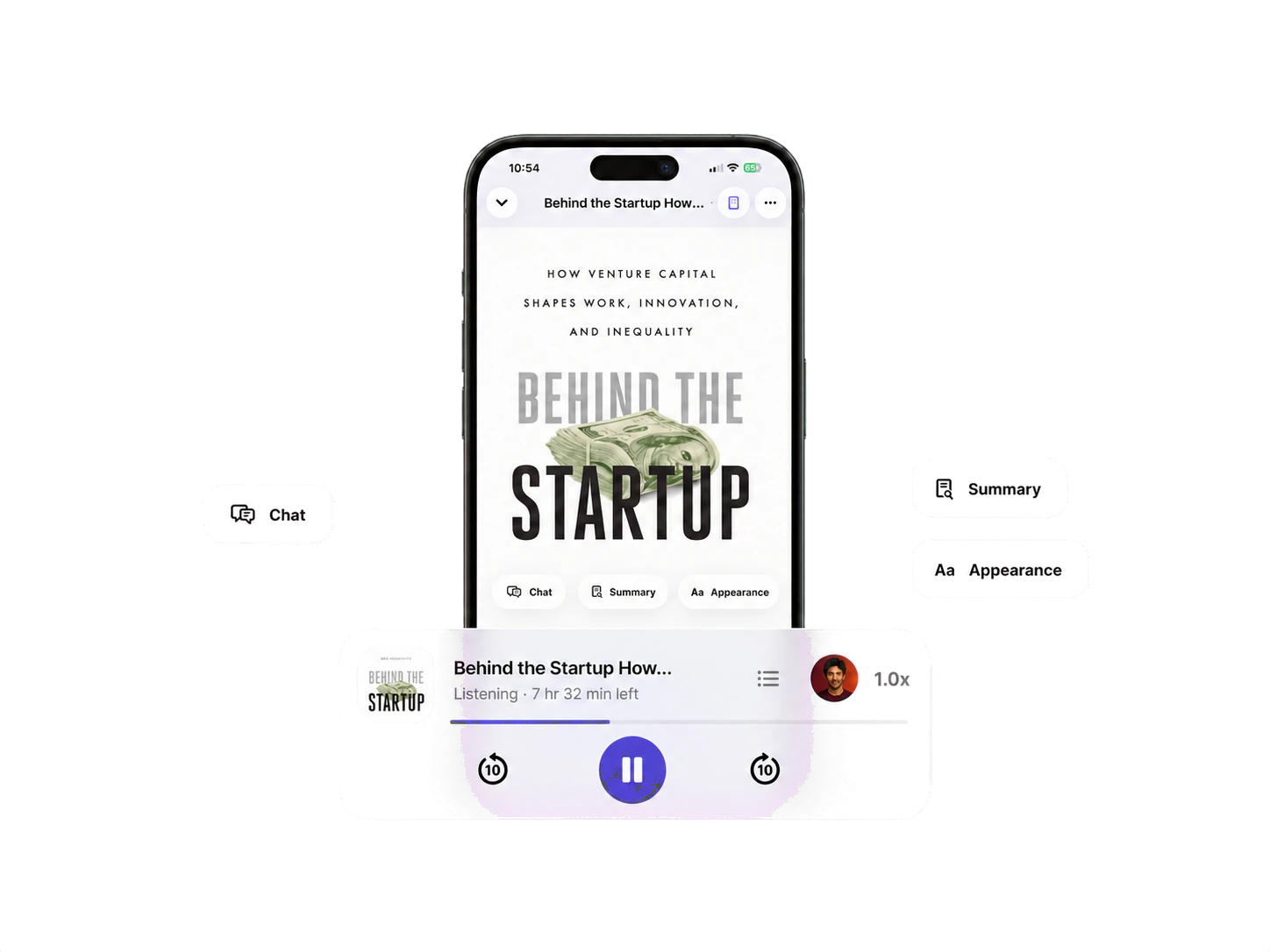
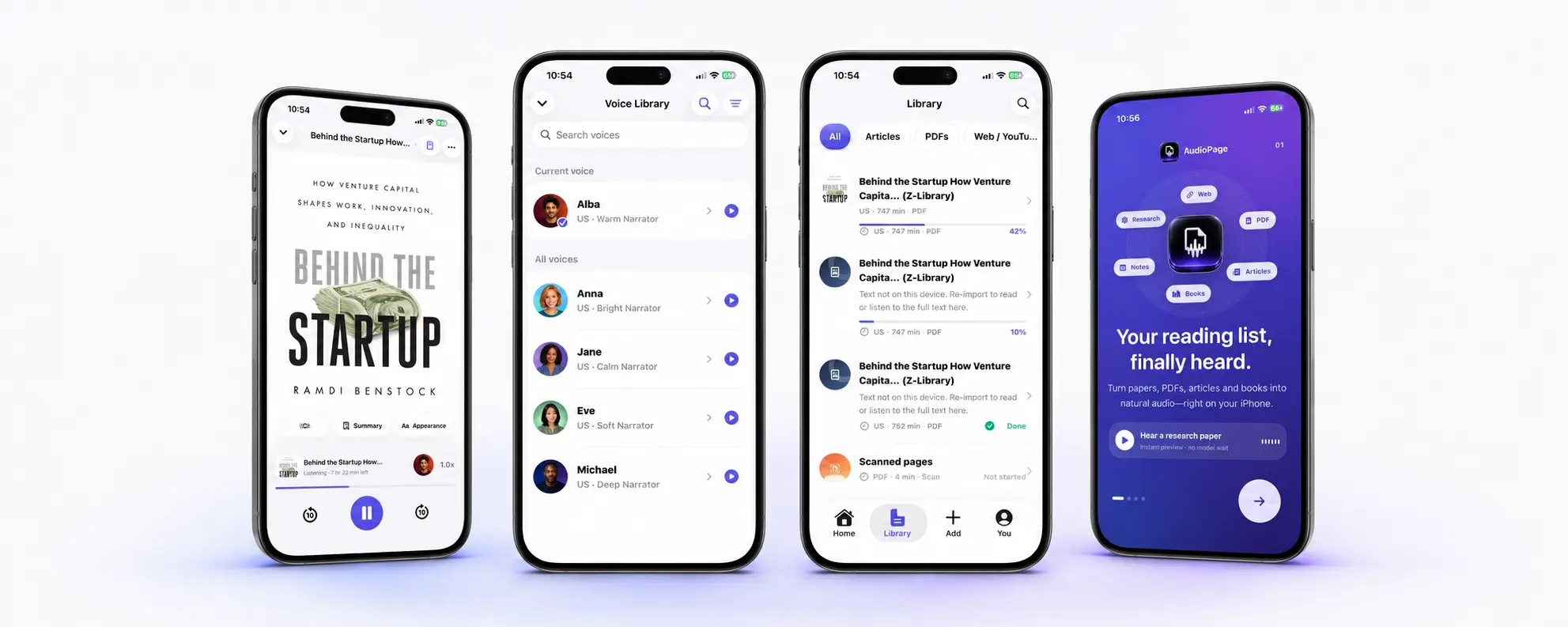
AudioPage’s core import, text processing, speech, and playback are local-first after the first voice setup. It supports PDFs, EPUBs, DOCX, web articles, pasted text, camera scans, and photos. The free tier supports up to 10 saved items; Lifetime Offline covers eligible local features, while Pro cloud summary, document-grounded chat, and optional sync run only when selected. Current purchase availability is documented on AudioPage support, without pretending one regional price applies to everyone.
For product-level tradeoffs, read the Speechify alternatives guide and the best text-to-speech apps for iPhone. If loss of connectivity is the deciding issue, use the offline text-to-speech comparison. If the real question is what stays free across readers, the free text to speech apps comparison answers it directly.
A seven-day value test
Do this on the free tier before starting a trial when possible.
- Choose three real items: a PDF you must finish, a web article, and a scanned or photographed page.
- Record whether each import is complete and in the correct order.
- Listen for 20 minutes at the speed you can actually comprehend.
- Leave the app and verify that it resumes at the same sentence.
- Try the voice you would use every day, not only celebrity or demo voices.
- Note which paid-only feature blocked you.
- Estimate how many days per month you would use that feature.
If the free tier already solves the job, stay free. If one Premium feature repeatedly removes a real obstacle, compare the renewal cost with the time it saves. Avoid valuing a bundle by counting features you will never open.
How cancellation and refunds work
Speechify’s terms say subscriptions automatically renew unless cancelled. Consumer cancellation should be initiated through the same channel used to subscribe: Speechify account settings, Apple settings, or Google settings. They also say cancellation normally leaves access active until the paid term expires and does not create a prorated refund, subject to applicable law.
For an Apple-billed purchase, go to Settings → your name → Subscriptions → Speechify → Cancel Subscription. Removing the app is not cancellation.
If you believe an Apple charge qualifies for a refund, Apple directs users to sign in at reportaproblem.apple.com, choose Request a refund, select a reason and item, then submit. Apple says eligibility varies by country or region. See Apple’s refund instructions. A refund request and a subscription cancellation are separate actions: request help with the past charge and cancel renewal if you do not want another.
Troubleshooting Speechify billing
The app shows Free after you paid
Confirm that you are signed into the same Speechify account and Apple Account used for purchase. Look for a Restore Purchases action, reopen the app, and retain the Apple receipt. Do not buy a second plan while the first receipt is unresolved.
You cannot find Speechify under iPhone Subscriptions
Search email for a Speechify or Apple receipt and check the merchant on the card statement. The purchase may use another Apple Account or direct web billing. Apple advises checking which account appears on the receipt; direct-billed subscriptions must be managed with the company that billed them.
The renewal is higher than the price you remember
Compare the original confirmation, current subscription screen, and renewal notice. A promotional first term can renew at the then-current standard rate. Speechify’s terms say renewal uses the applicable rate in effect and that fee changes may occur with notice.
You cancelled but still have access
That is normally expected. Cancelling stops a future renewal; it does not necessarily end the already paid term immediately. Check that the subscription screen displays an expiration date instead of a renewal date.
Frequently asked questions
How much does Speechify Premium cost?
On July 17, 2026, Speechify’s public U.S. pricing page displayed Premium at $29 per month, but your actual price can differ by billing cycle, offer, region, tax, and purchase channel.
Is there a free version of Speechify?
Yes. Speechify’s current pricing page lists a Free tier with text-to-speech features, listening up to 1.5x, and 10 basic voices.
Does the Speechify free trial automatically renew?
Speechify’s terms say a trial is currently three days unless sign-up states another period, and it converts to a paid, automatically renewing subscription unless cancelled before the trial ends.
Where do I cancel Speechify on iPhone?
If Apple bills the subscription, open iPhone Settings, tap your name, tap Subscriptions, choose Speechify, and tap Cancel Subscription.
Why does Speechify show more than one price?
Speechify sells through its website and app stores, and the U.S. App Store currently lists several in-app purchase tiers, so the offer attached to your account and checkout is more reliable than a price copied from a review.
The bottom line
Speechify’s visible public headline was $29 per month when checked, but that number is only the start of a purchase decision. Identify the billing channel, trial end, amount charged now, renewal amount, and interval. Then test whether Premium removes a recurring limitation in your real documents. A clear free or local-first workflow can be better value than a feature-rich subscription you rarely use; a well-used Premium feature can be worth more than its catalogue suggests. The checkout in front of you—not an old screenshot or isolated App Store tier—is the final pricing source.
Sources and further reading
- Speechify: Official pricing page (checked 2026-07-17)
- Speechify: Terms of Service (checked 2026-07-17)
- Apple App Store US: Speechify Text to Speech PDF (checked 2026-07-17)
- Apple Support: Cancel a subscription (checked 2026-07-17)
- Apple Support: Request a refund (checked 2026-07-17)
About AudioPage Editorial
Guides are produced by the team building AudioPage. Product claims are checked against the current app and repository; third-party features and prices are checked against official sources on the date shown. Read our editorial standards and corrections policy.
Turn the next document into listening time
AudioPage keeps core reading local-first on iPhone. Review the current plan boundaries, then choose the listening setup that fits your documents.